



Marketing
Campaigns that sell
One offer, one message and a button people want to press.
 Anant Goyal · Email design and outreach
From beautifully crafted HTML emails to custom email software and scalable outreach infrastructure, I help businesses design, send and manage better email experiences.
Every email hand-coded and checked in
 Gmail
 Outlook
 Apple Mail
 Yahoo Mail
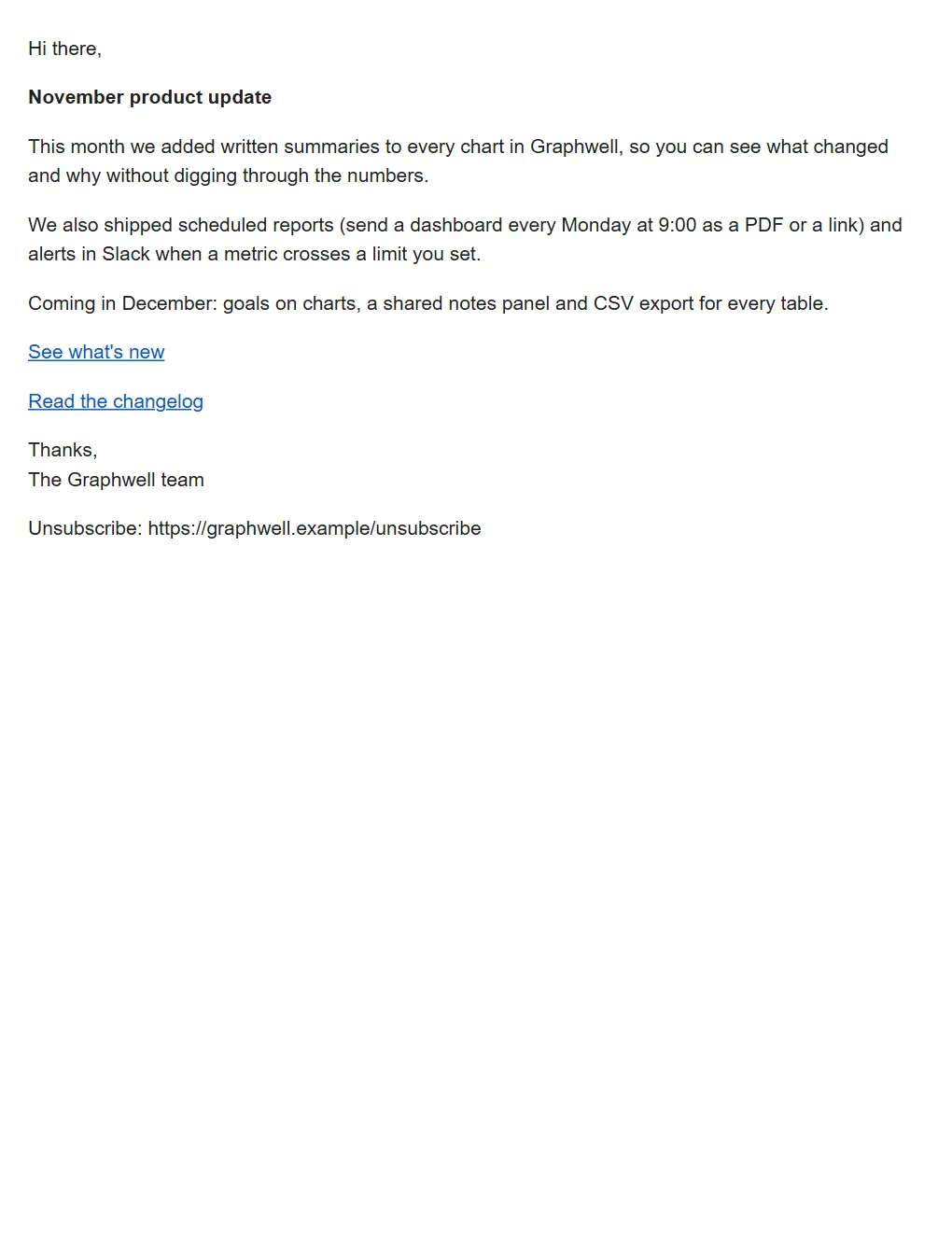
A plain email says nothing about who sent it. Same default font, same blue links, same grey wall of text as the ten messages above it. Your product, your voice and the care you put into everything else get lost before anyone reads a word.
From designing the perfect email to building the software and infrastructure that sends it, I work across the complete email ecosystem.
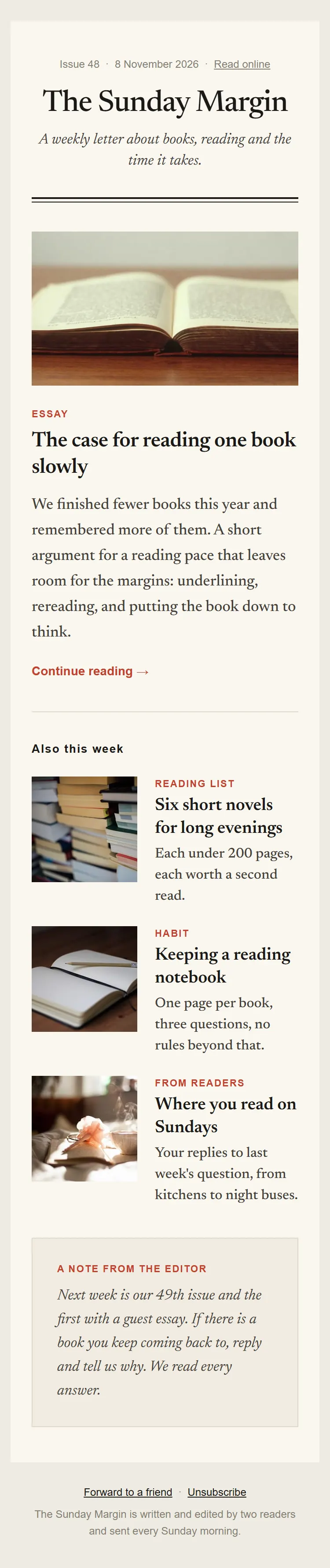
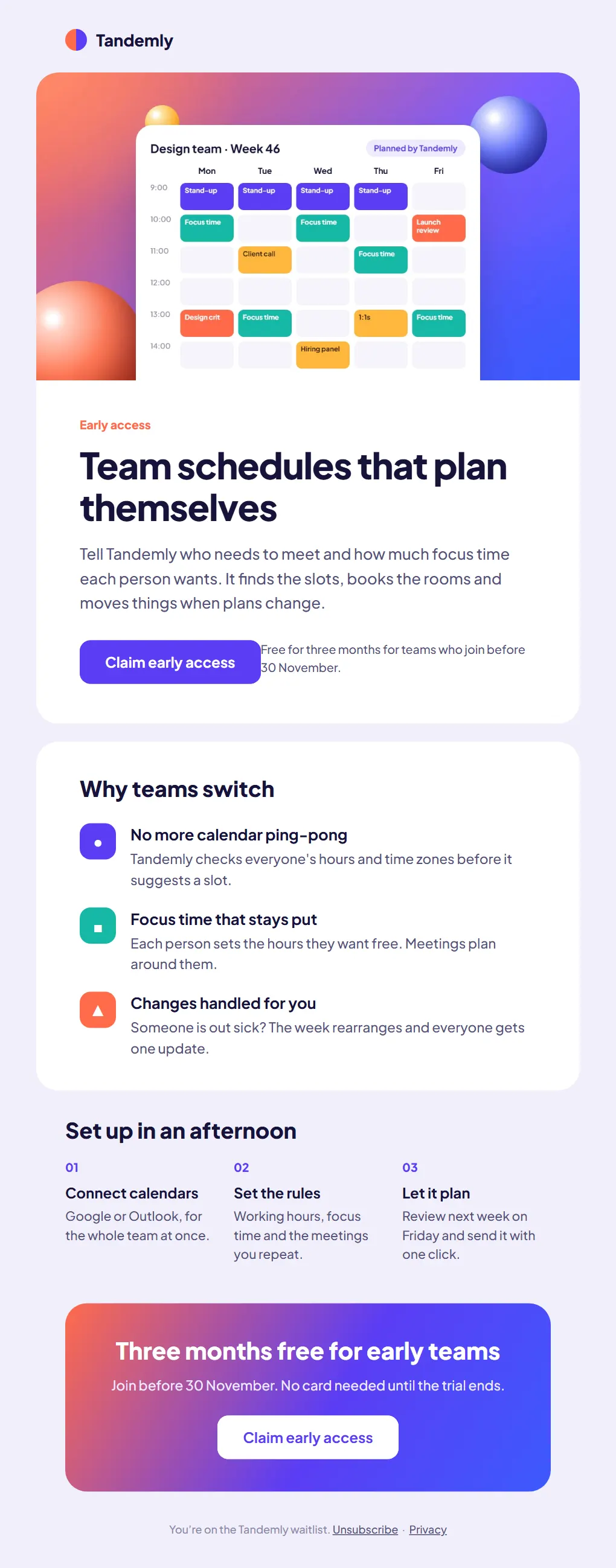
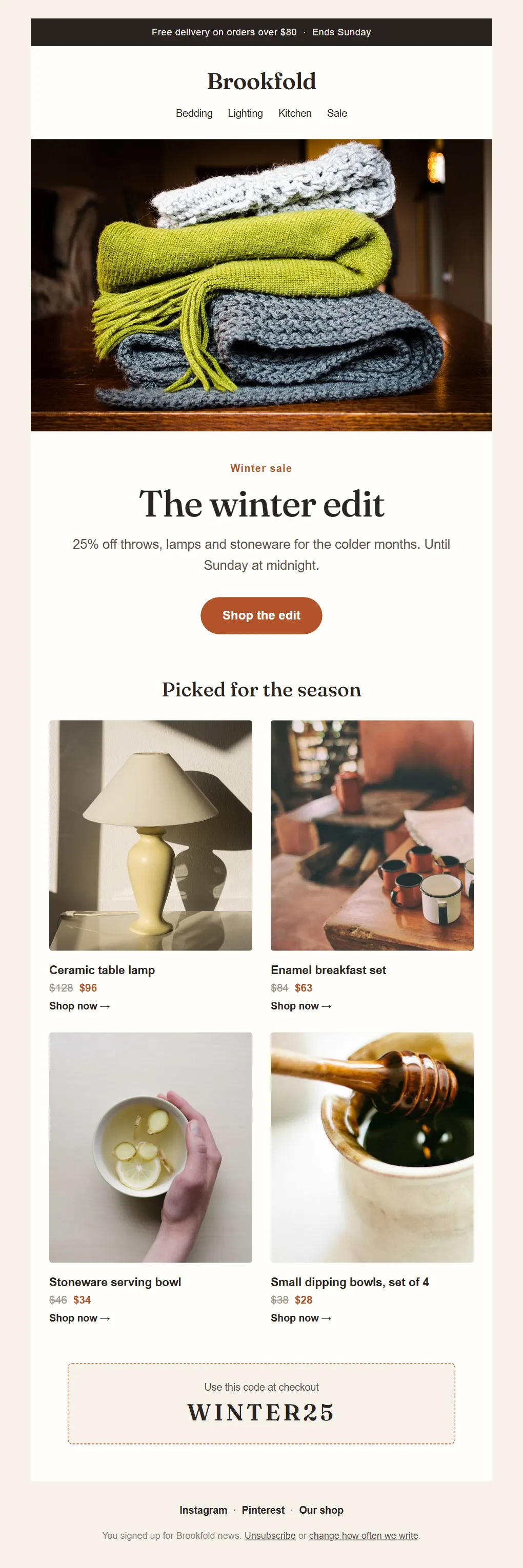
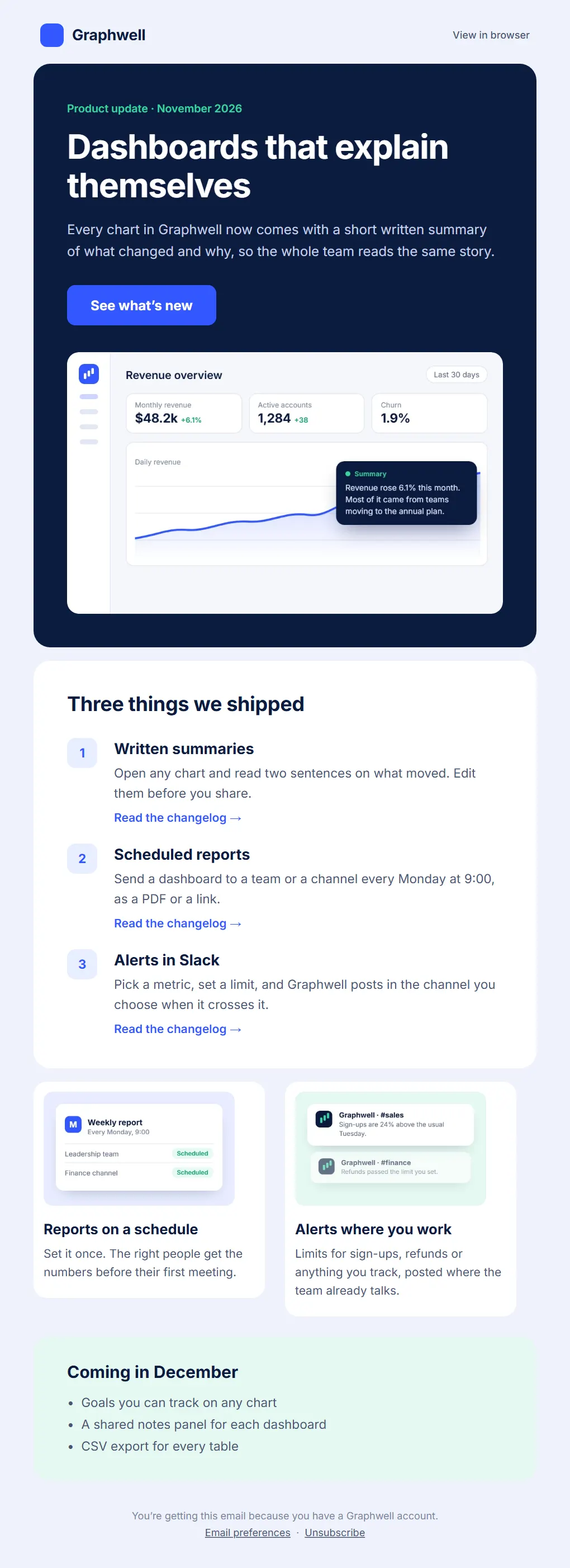
Newsletters, launches, welcome emails and templates, designed for your brand and coded for every inbox.
See the email designYour own platform for sending, tracking and reporting, shaped around how your team works.
See the softwareSending domains, SPF, DKIM and DMARC, and a warm-up schedule before the first campaign.
See the infrastructureCampaigns to thousands of relevant people, with every send managed and tracked.
See the outreachEmail design and development
Whatever your business sends, from the first welcome to the last receipt, designed for your brand and coded to work in every inbox. Point at a type to see it.
One offer, one message and a button people want to press.
From the first hello to the email that brings someone back.
Triggered by what people do, and designed as carefully as any campaign.
Support replies, team updates and the templates your people send every day.
Don’t see yours? If your business sends it, I can design and code it.Tell me about it
A few directions from my email design work. Open any one to scroll the full desktop and mobile versions side by side.
Need your own email sending platform? I can build custom email software around your business requirements.
Sending, campaigns, tracking and reports in one place, connected to the email provider you choose and shaped around how your team actually works.
Build your email infrastructure before you scale.
Proper configuration, a steady sending history and close monitoring give your emails the best chance of being trusted by mailbox providers.
Separate sending domains that keep your main domain's reputation out of harm's way.
Authentication records, so mailbox providers can check that mail really comes from you.
Mailboxes, daily limits per mailbox, a tracking domain and webhooks for delivery events.
Volume that starts small and grows slowly, with bounces, complaints and blocklists watched along the way.
Verified lists, a plain-text version and copy checked before the first send.
Steady daily volumes, with delivery, bounces, replies and complaints tracked for every campaign.
Warm-up gives a new domain a steady sending history: a few emails a day at first, more each week, while bounces and complaints are watched. It helps mailbox providers learn your pattern and shows when you're ready to send more. It does not guarantee the inbox.
I help businesses reach thousands of relevant prospects through scalable campaigns, sent from properly configured domains and watched from the first email to the last.
Not every email reaches the inbox. Bounces and complaints are tracked from the first send, and lists and volumes are corrected before they hurt the domain.
Audience, offer, copy and schedule agreed before anything is sent.
Thousands of emails spread across warmed domains and mailboxes at steady daily volumes.
Merge fields and per-person subjects and bodies, so each email reads like it was written for one person.
Each domain's health, limits and authentication kept in one place.
Sent, delivered, opened, clicked and replied, per campaign and per domain.
Bounces and deferrals caught early, with volumes adjusted before they hurt a domain.
Bounced and unsubscribed addresses removed automatically and never emailed again.
Subject lines, timing and copy improved from what each campaign shows.
All three pass on every sending domain.
6 addresses removed from the list automatically.
Every campaign goes to people it is relevant to, follows the email laws that apply to you and your recipients (such as CAN-SPAM, GDPR or PECR), and includes a working unsubscribe link in every email.
Authentication helps mailbox providers trust your mail, but no setup can guarantee the inbox. Placement also depends on list quality, content, sending volume and how people respond.
Your colours, type and logo in every send, so people know it is you before they read the sender.
Clear headings, comfortable line lengths and enough space that people finish the email.
Columns that stack, images that scale and buttons big enough for a thumb on a phone.
Even spacing and clean alignment that make a small team look as careful as a large one.
One strong first screen and one clear action, so the email is remembered and acted on.
Tables, inline styles and Outlook fallbacks, so the design holds in Gmail, Outlook and Apple Mail.

About Anant Goyal
I like the whole of a problem, not just the part people see. A good email needs a layout that reads well on a phone, and it also needs a domain that mailbox providers trust, software that sends it on time and a dashboard that shows what happened next.
So I work on both sides. I design interfaces and emails, and I build the products and systems behind them, from an AI content studio to custom software that sends and tracks outreach for a client.
Six steps for each kind of work, the same for a single email or a full programme.
A short call or a written brief: who the email is for, what it should do and what it must include.
Two or three directions built from your brand: colours, type, imagery and tone. You choose one.
The full email at desktop and phone size, with your real copy, ready for your comments.
Hand-coded, table-based HTML with inline styles and fallbacks for Outlook on Windows.
Checked in Gmail, Outlook, Apple Mail and Yahoo Mail, on desktop and phone, before you see the final.
Clean HTML and images, ready for Mailchimp, Klaviyo, HubSpot or the platform you already use.
Let’s turn your next email into something worth opening.
Or email me directly