Email Design
Pantrypop delivery chat
A grocery delivery update told as a chat: the rider's messages, a photo bubble, the customer's reply and a typing indicator.
Start from this designOpens the project form with this design noted.
- From
- Pantrypop
- Subject line
- Malik is on the way with your order
- Preview text
- Your rider's messages, and your order arriving at 11:00.
- Purpose
- TransactionalNotification
- Industry
- DeliveryFood and drink
Pantrypop · Malik is on the way with your order
What’s in it
- 01Rider header with live status
- 02Incoming and outgoing bubbles with times
- 03Photo message
- 04Typing indicator
- 05Order strip and tracking button
How it stays email-safe
- Bubbles are rounded table cells; corners fall back to square in Outlook for Windows
- The conversation is a recap: replies happen in the app
- Table layout, 600px wide, with Outlook ghost tables
- Inline styles, with media queries only as an extra
- Buttons with VML fallbacks for Outlook on Windows
- Images with width, height and alt text
- No scripts, forms or embedded video
One of many directions in Email Design: exploring what’s possible when email meets creativity.
More like this
Back to Email Design- Ledgerline Security · New sign-in to your Ledgerline account
 SaaS and technology
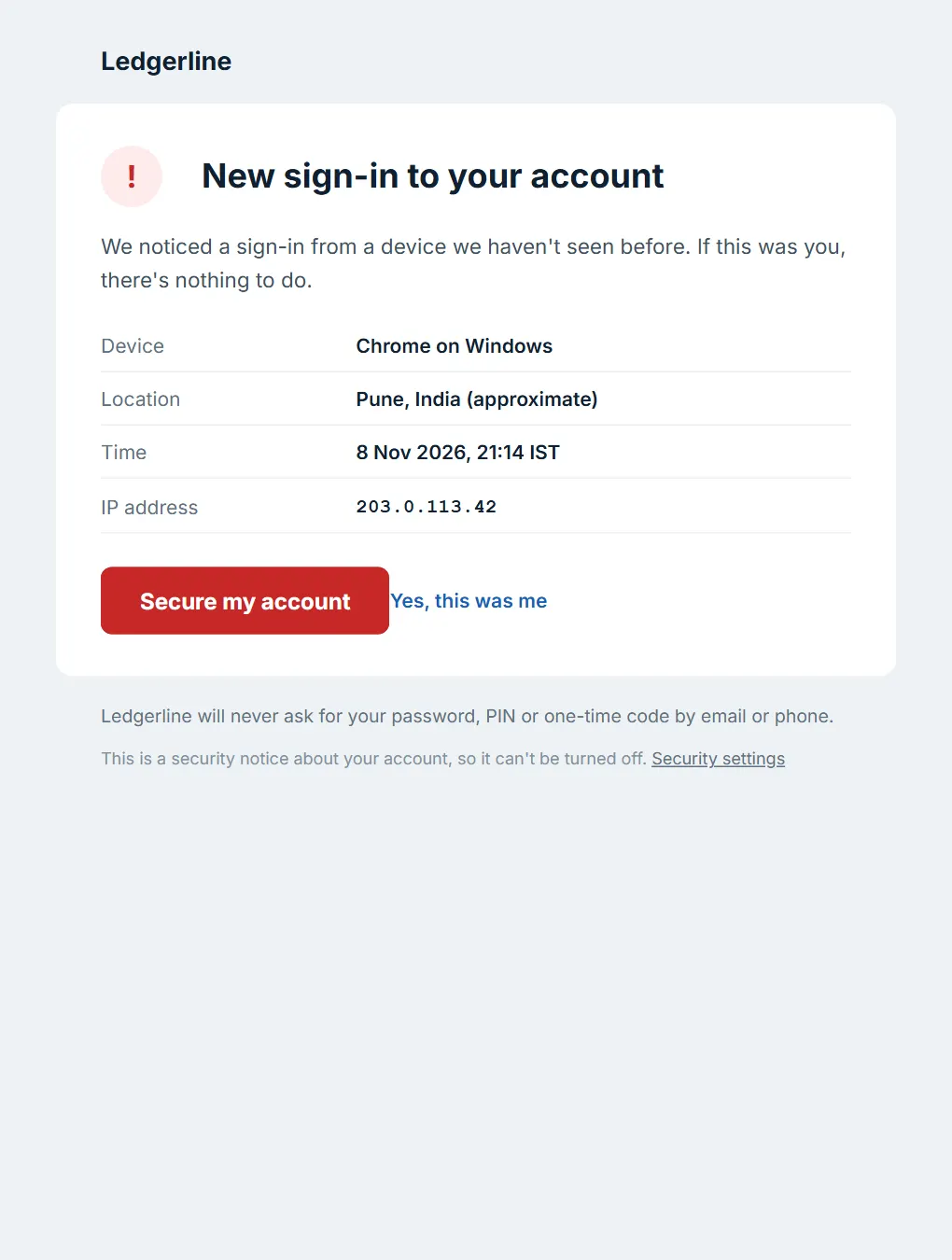
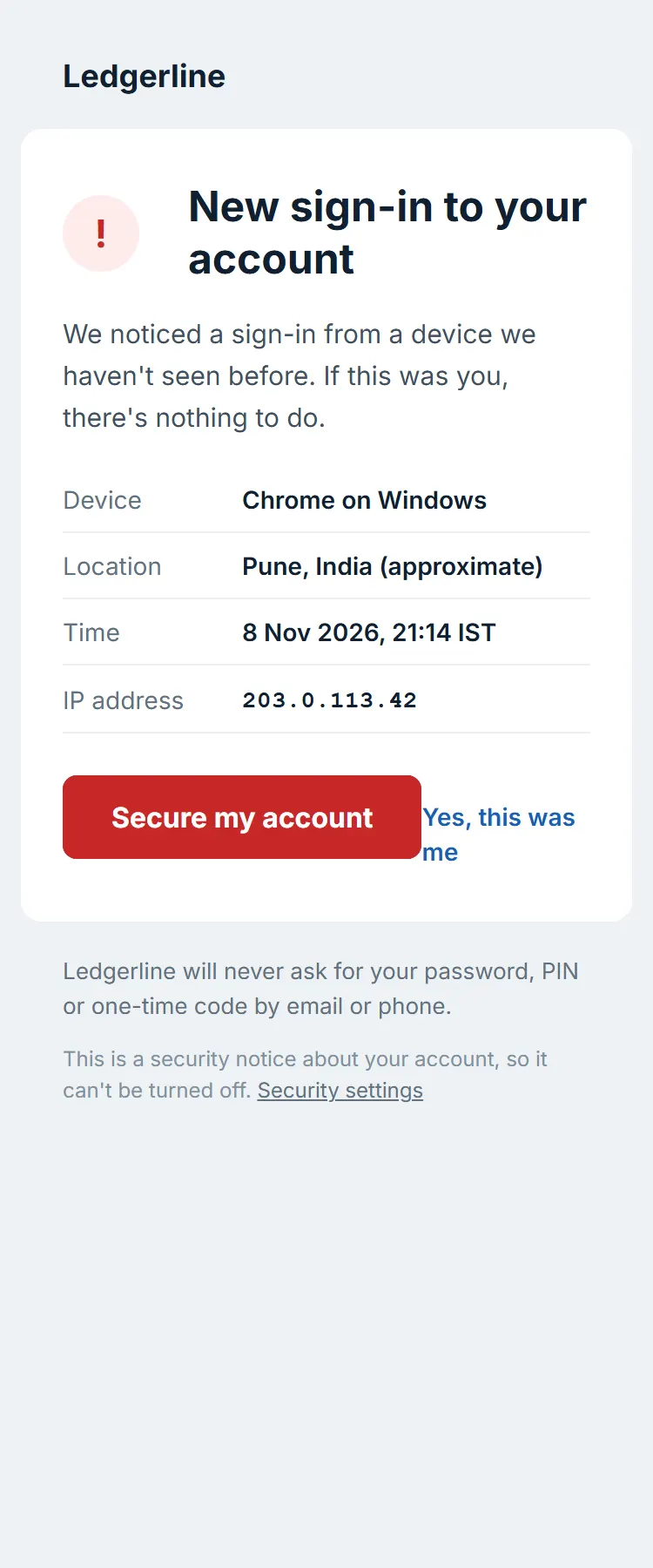
Ledgerline security alert
A sober sign-in alert: what happened, the device, place, time and address, and one clear action if it wasn't you.
- Minimal
- Interface-inspired
- Brookfold · Your order is on its way
 E-commerce
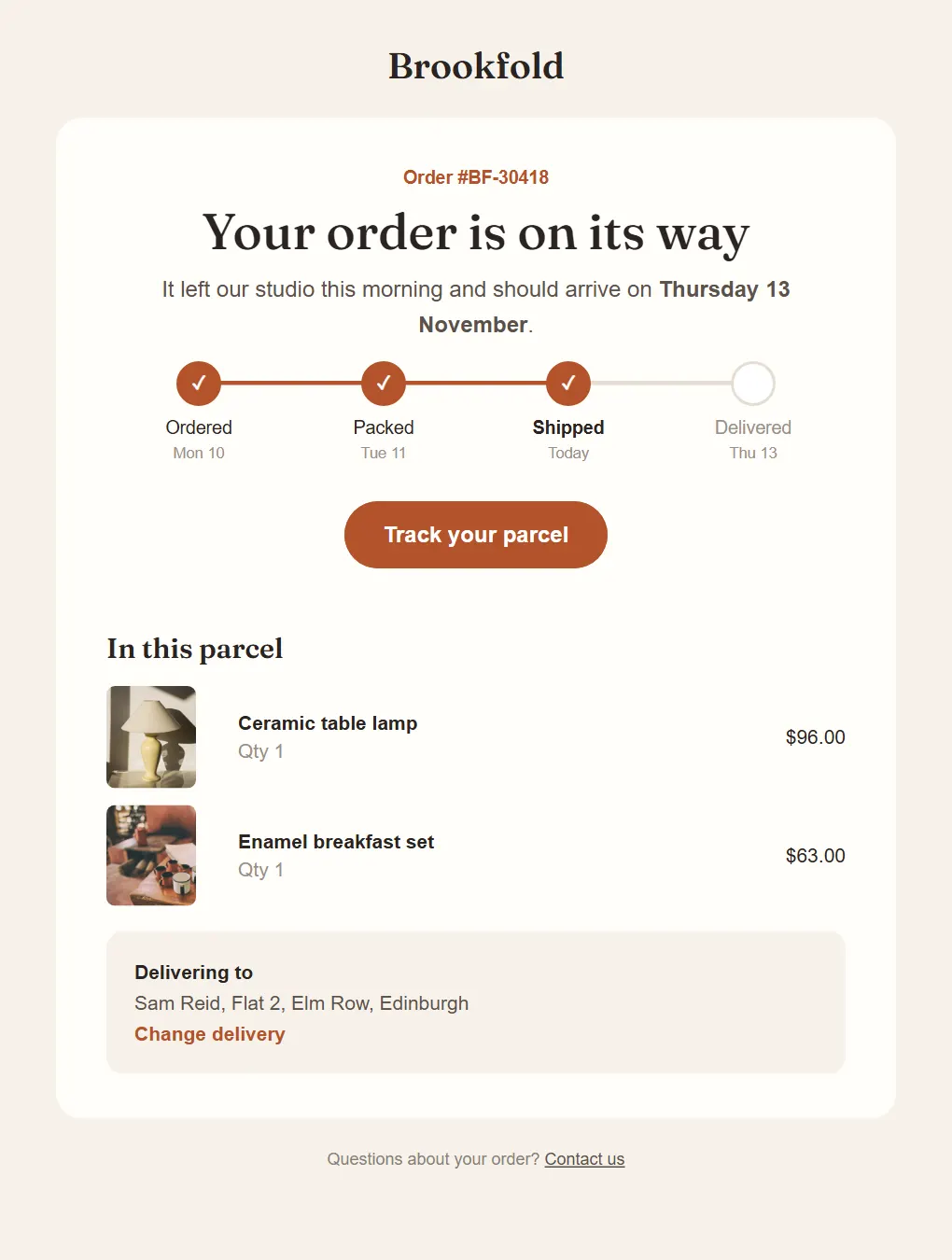
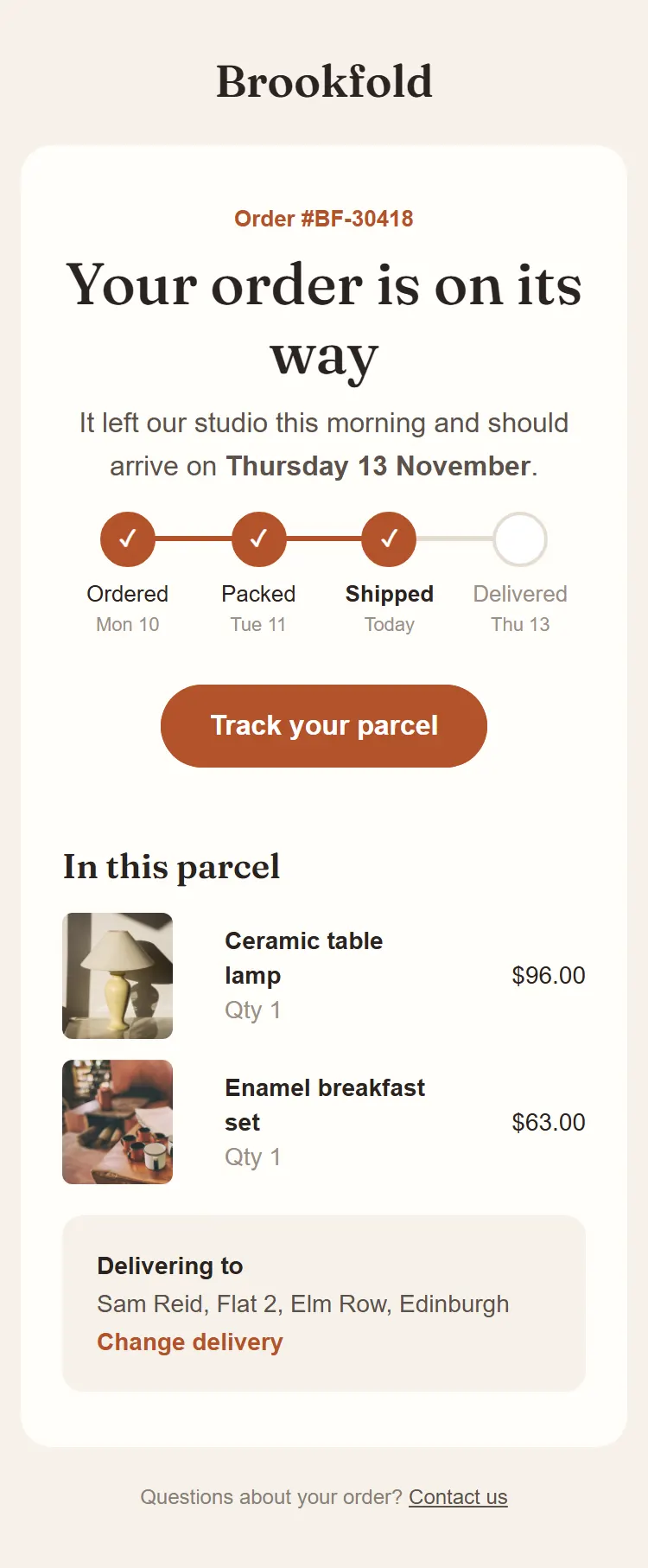
Brookfold shipping update
An order on its way, with a four-step tracker from ordered to delivered, the items in the parcel and the delivery address.
- Warm and earthy
- Editorial
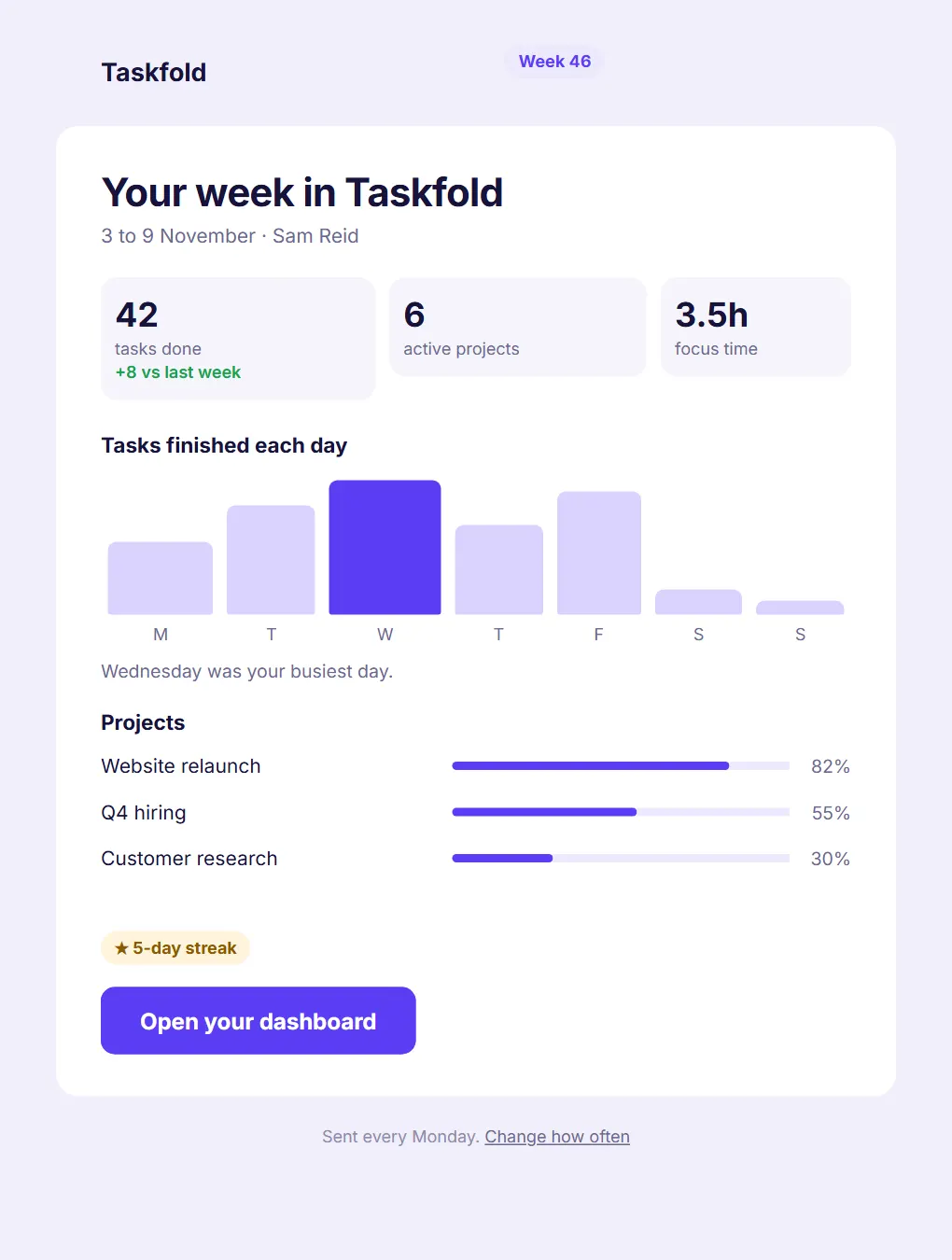
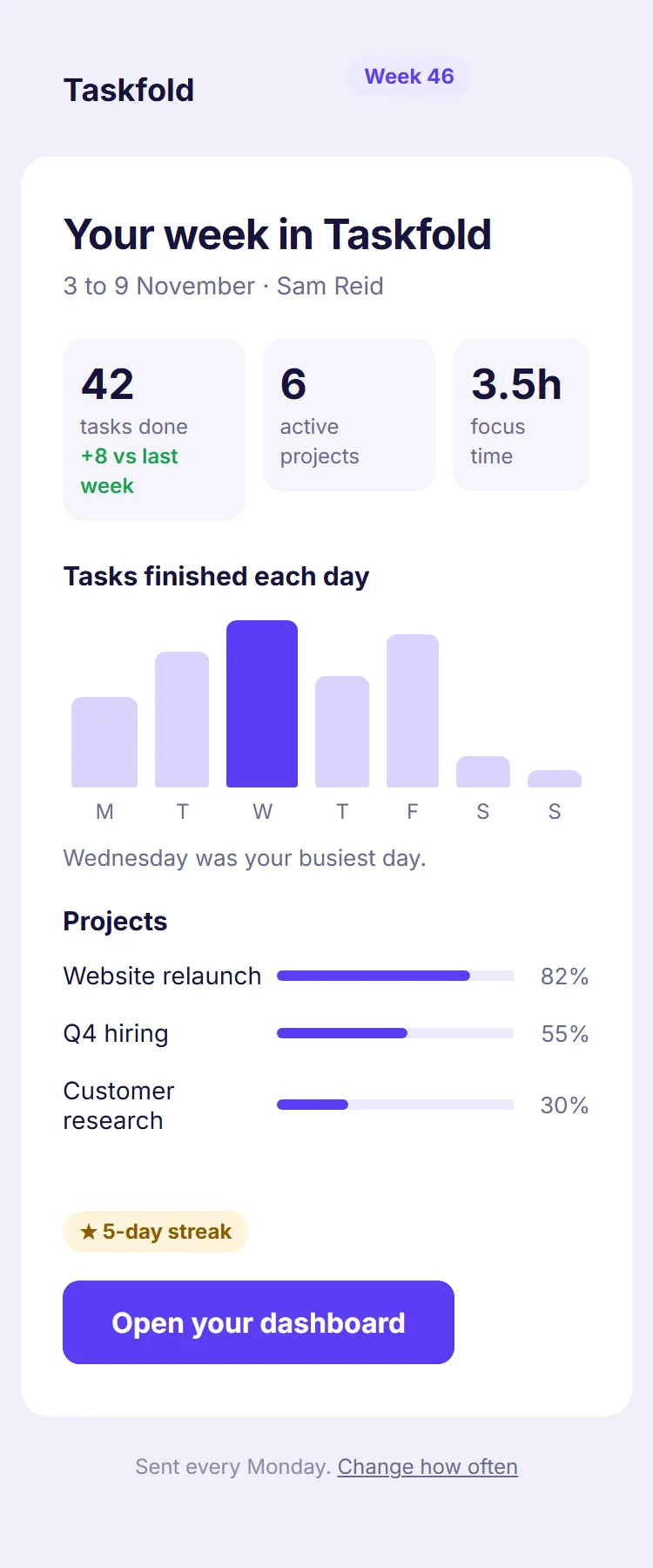
- Taskfold · Your week: 42 tasks done
 SaaS and technology
Taskfold weekly report
A dashboard inside an email: three stat tiles, tasks per day as a bar chart, project progress and a streak.
- Interface-inspired
- Minimal